Collaborative tools
We use figma as a space to neatly keep track of our work, iterations and designs. This way we can see who
contributed to what and the journey of it.
Link to our shared
figma
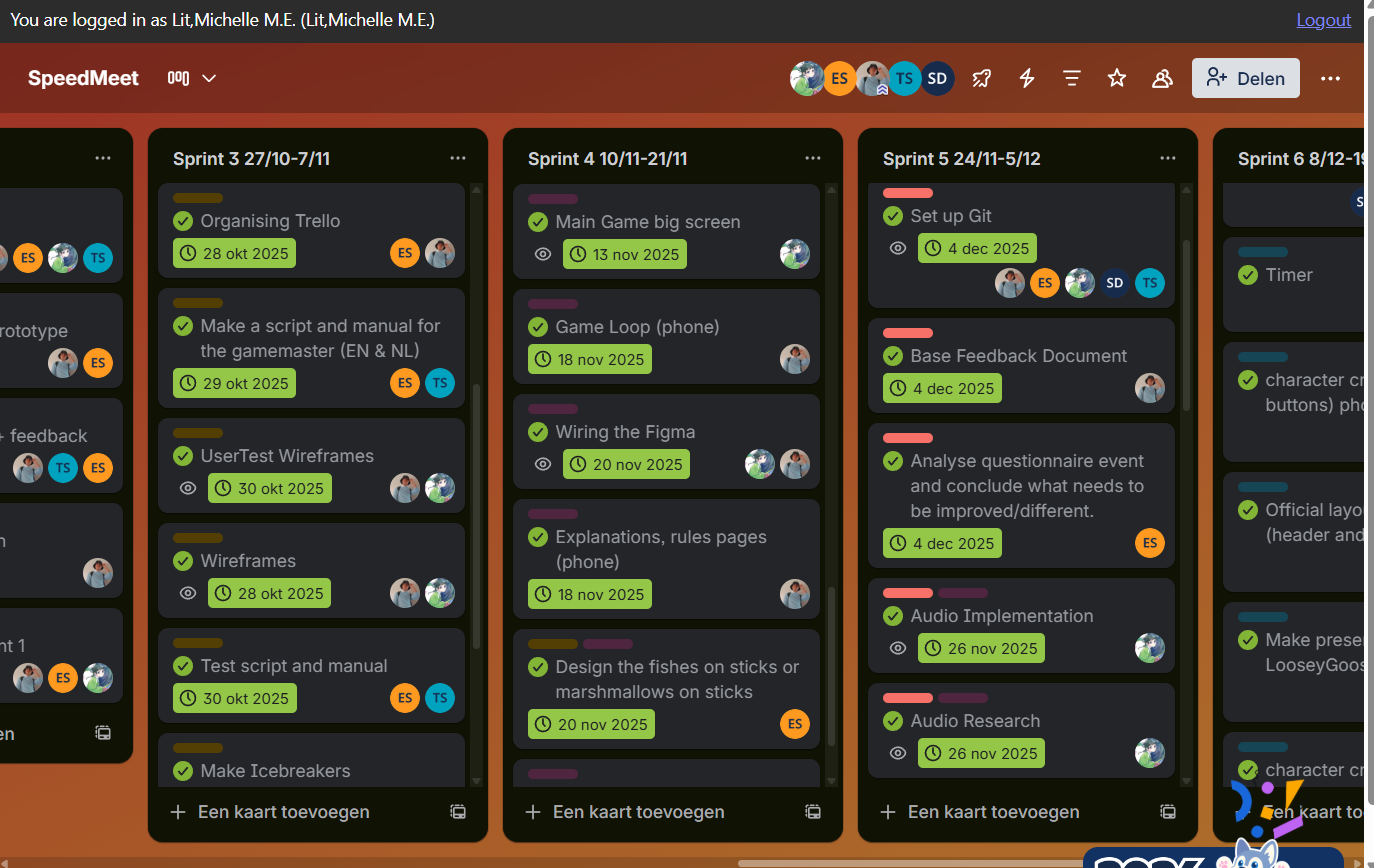
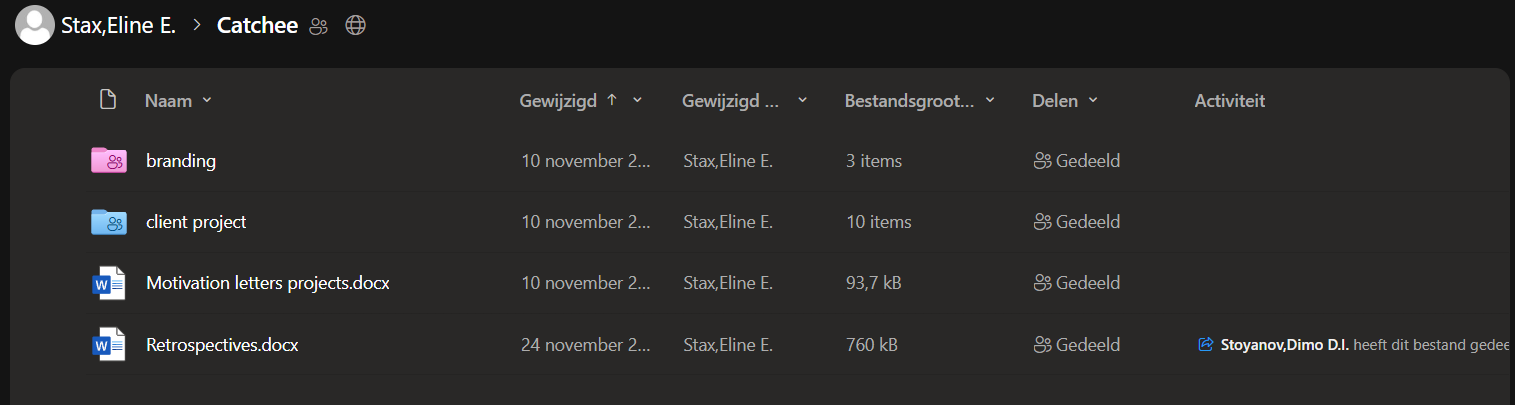
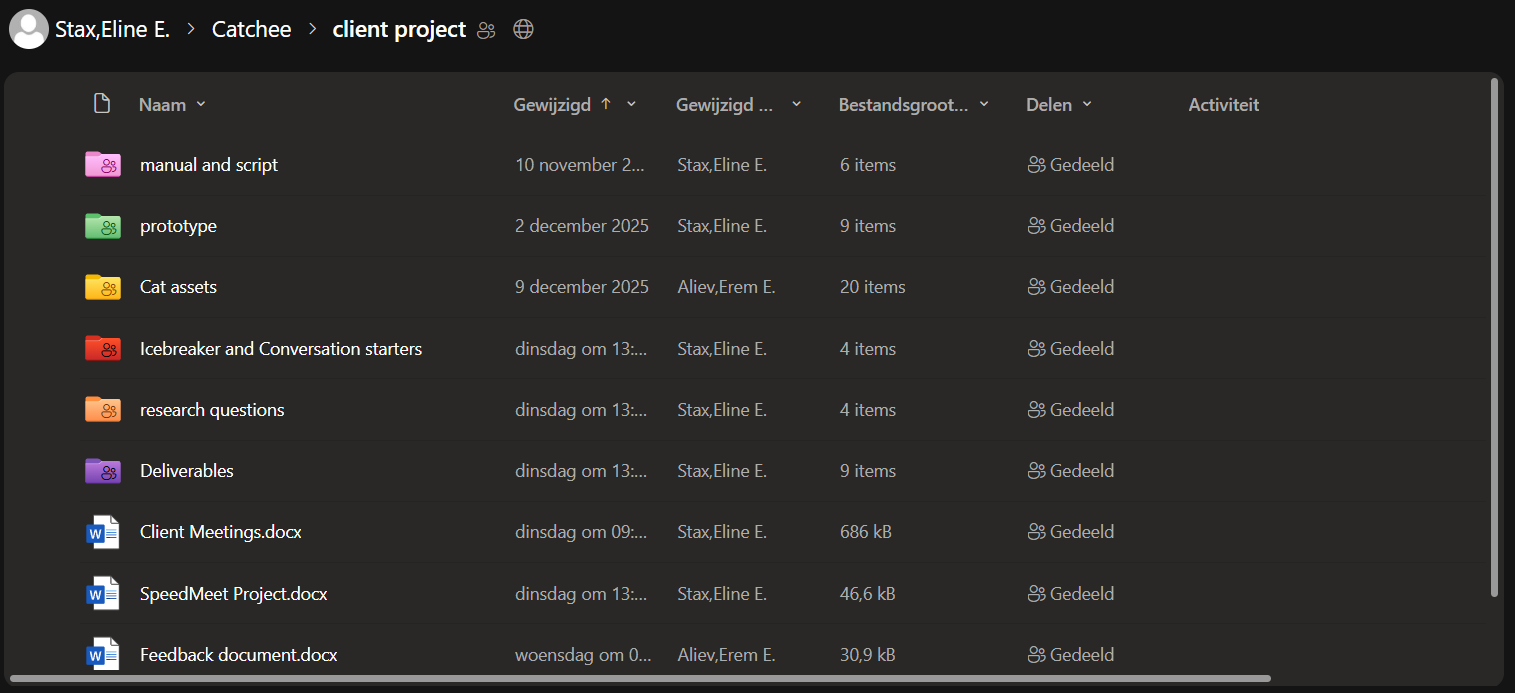
We got a Trello board for tasks and planning. We got a shared One Drive map to store documents. For work
contact we use Teams.
This is what our Trello looks like:
This is what our OneDrive looks like:
The illustrations I made for the Catchee brandguide are also in the One Drive and accessible to my
teammates.
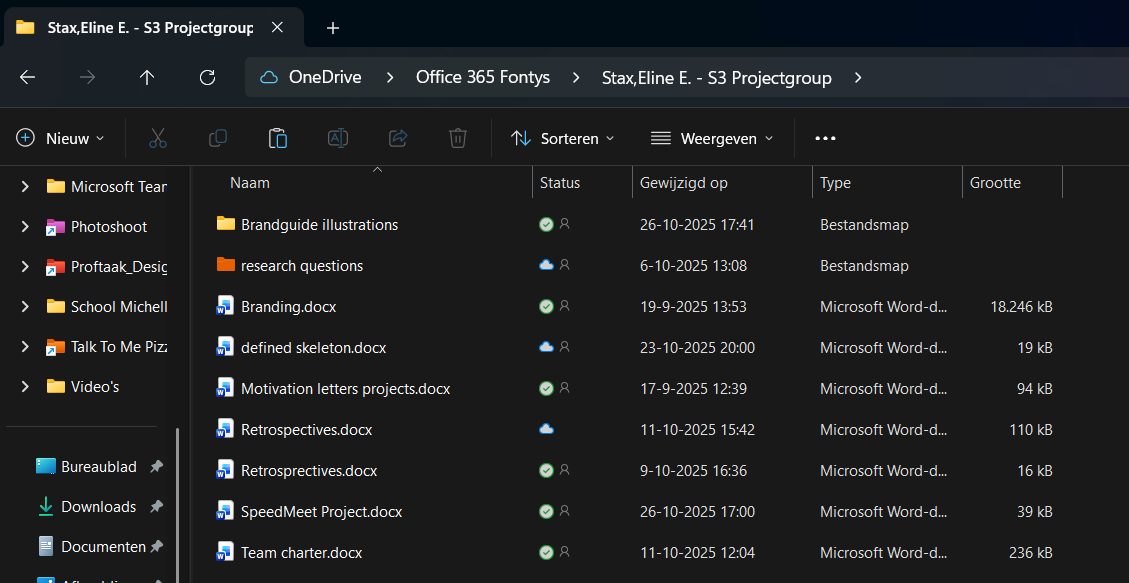
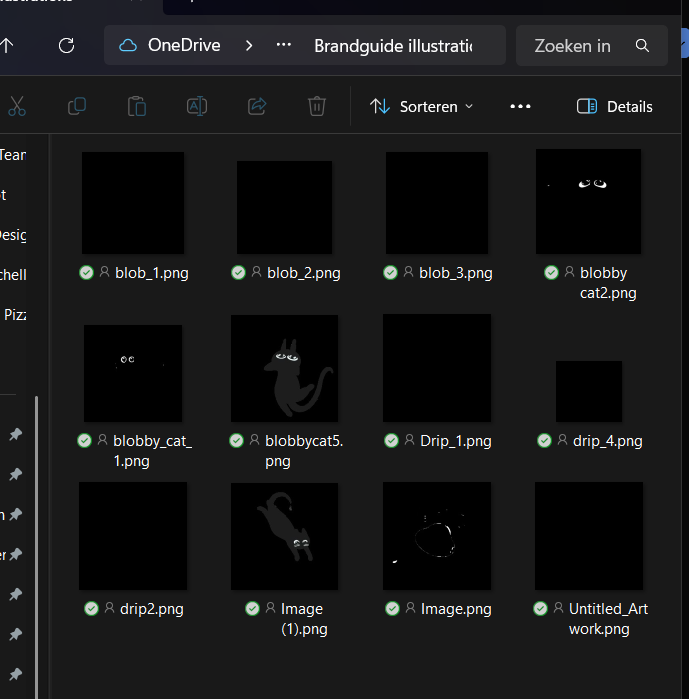
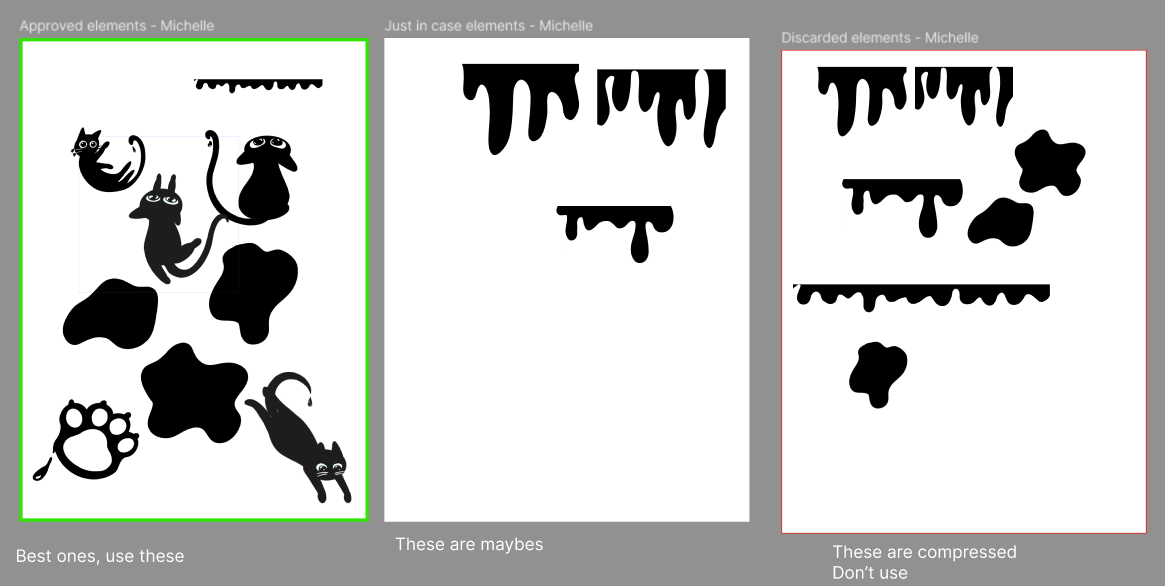
The reason why the pictures are so dark, is because they are pngs with transparent background.
At first I transferred these through discord from my ipad to my laptop, because it was easier, but Erem
told
me that it would compress the images, so I learned to transfer them directly via teams. Below you can
see
that I discarded the ones on the right in the figma.
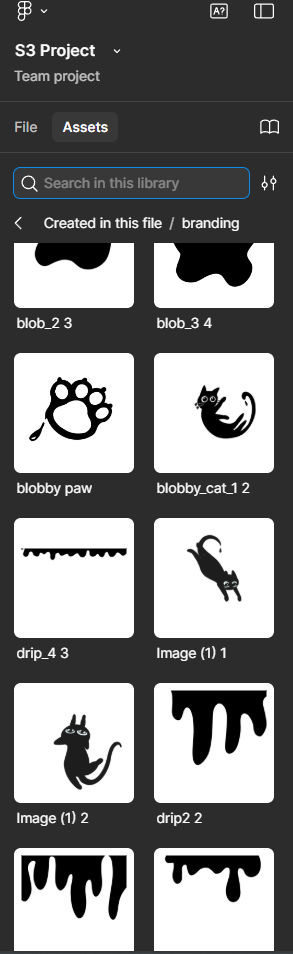
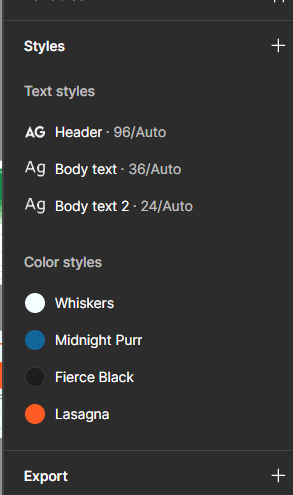
This is also why I learned to put the branding of our agency in our shared figma so the group can easily
use
it for designing. Below on the left you can see my illustrations and on the right, the textstyles and
colors.
STARR Reflection
Situation
During the project, our team needed clear collaboration, structure, and transparency to work efficiently
together.
Task
My task was to help ensure that files, designs, and assets were accessible, organized, and usable for
the entire team.
Action
We used shared tools such as Figma, Trello, OneDrive, and Teams to organize our workflow (DOT: Workshop
– Collaboration tools).
I uploaded my illustrations and brand assets to the shared OneDrive and structured them in Figma so
teammates could easily reuse them.
After receiving feedback about image compression, I adjusted my workflow to transfer files without
quality loss.
Result
My assets were consistently reused across brand guides, posters, and motivation letters.
This improved team efficiency and ensured visual consistency, supporting LO2 by enabling transferable
production.
Reflection
This proof showed me that good collaboration depends not only on creativity, but also on technical and
organizational decisions.
Next time, I want to define file naming conventions and export guidelines earlier, so asset usage
becomes even clearer and more professional.
Usage of my illustrations
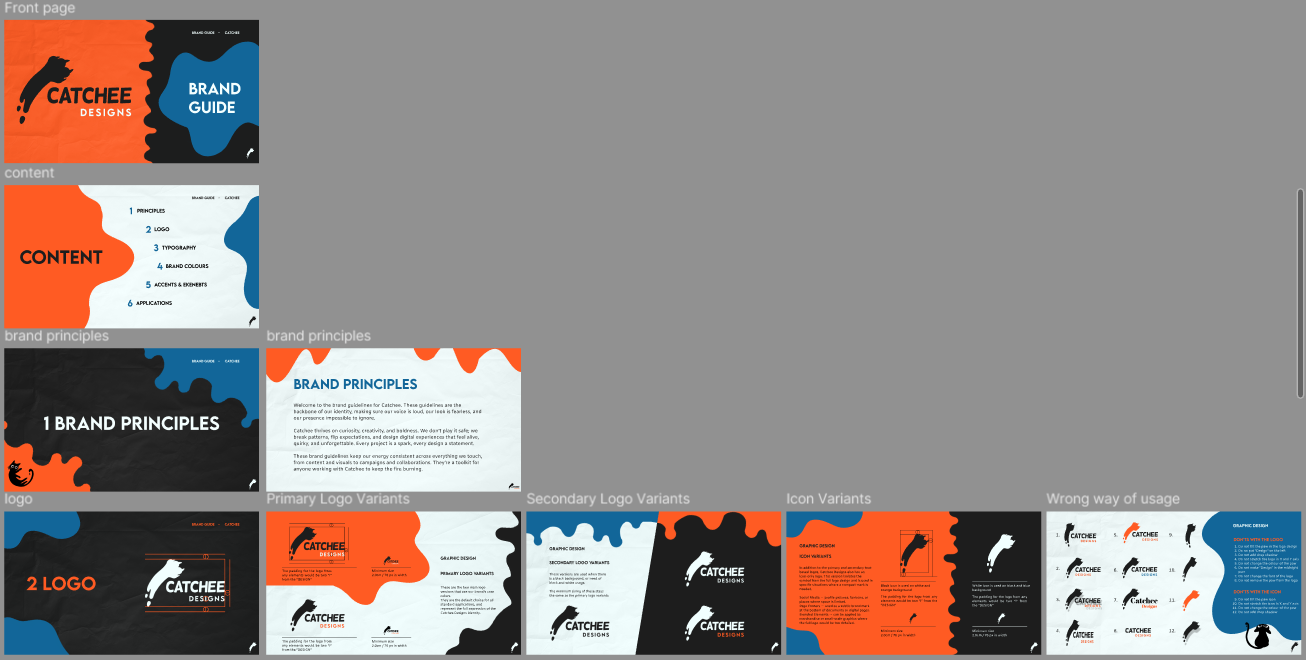
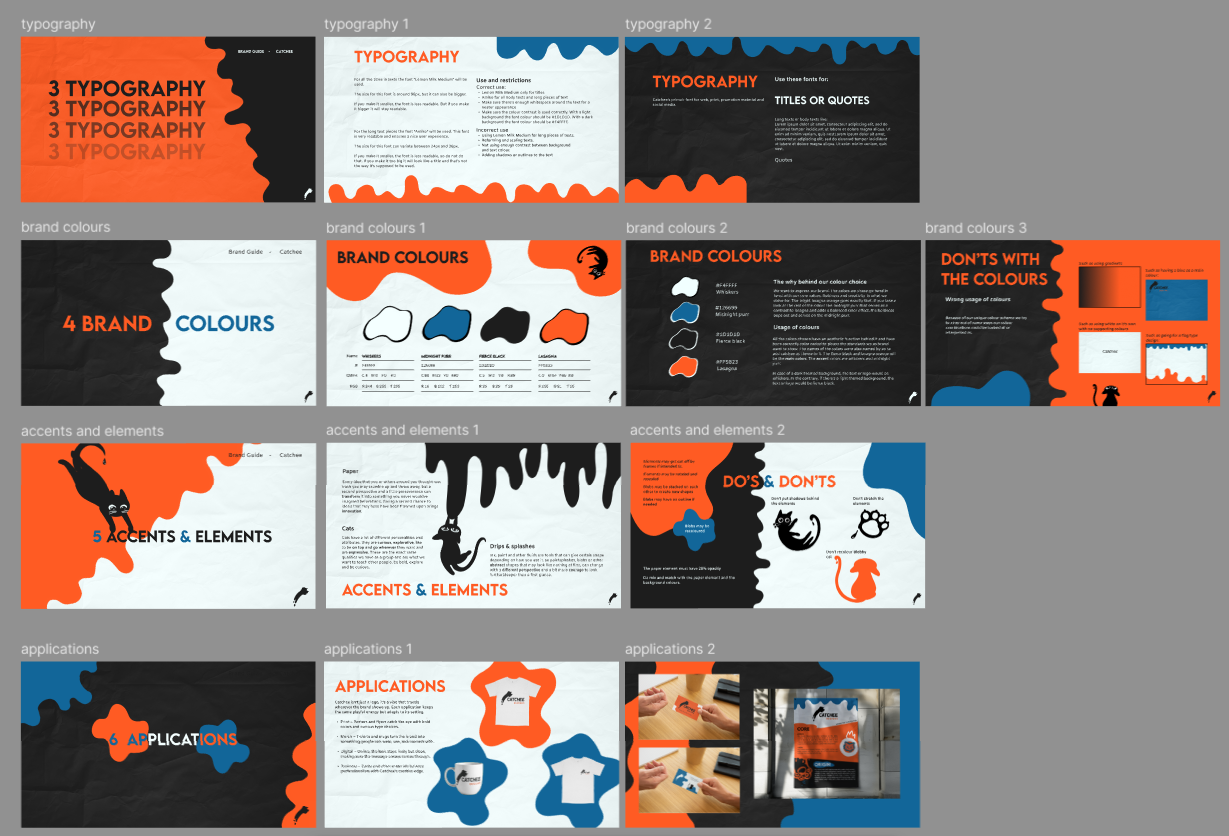
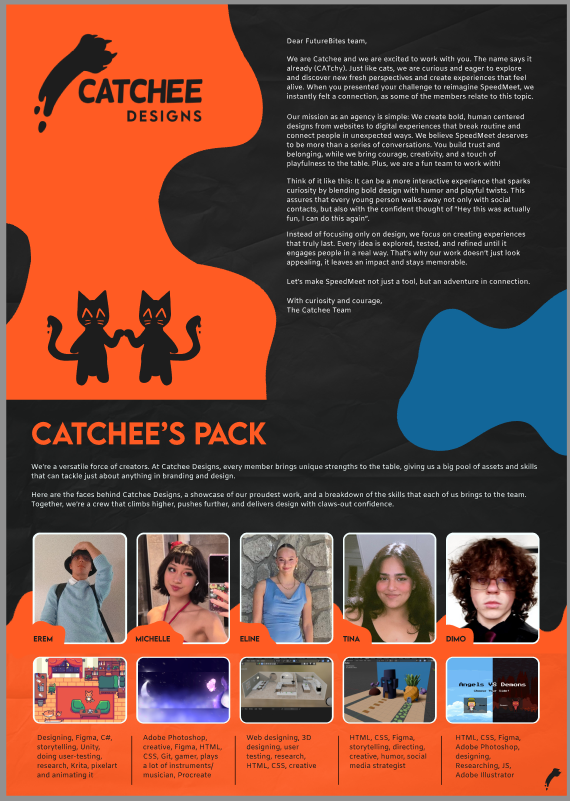
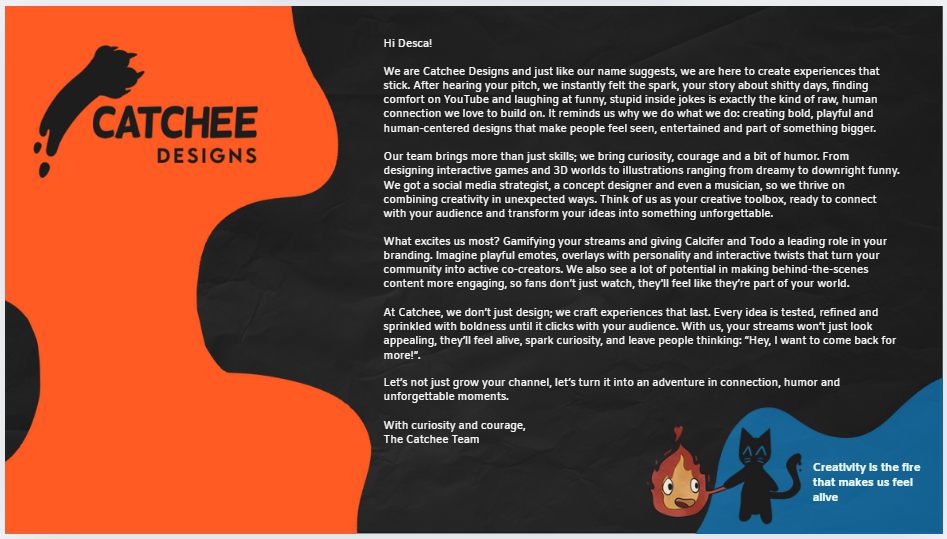
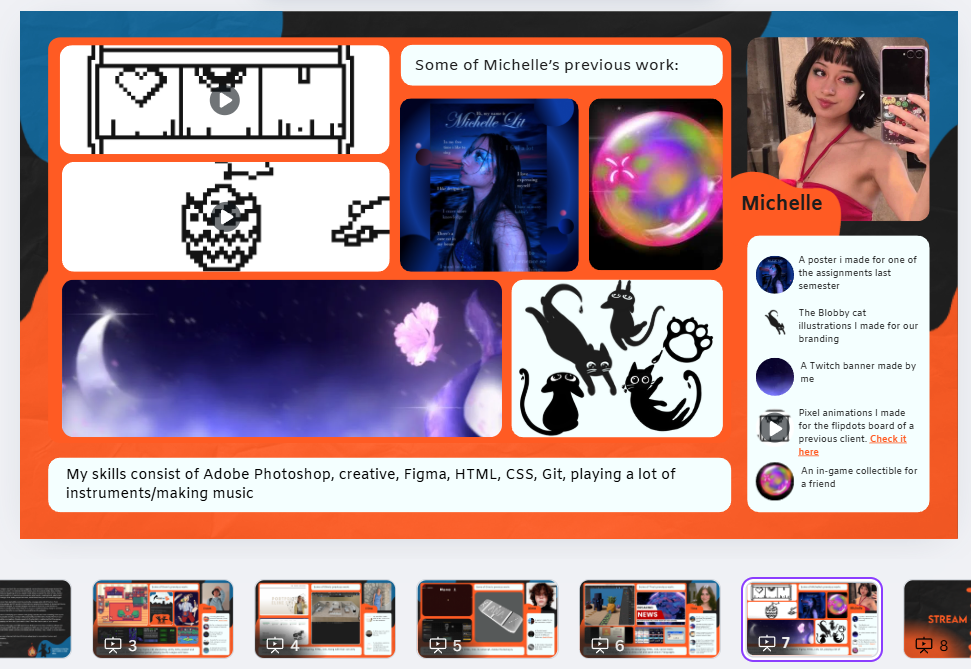
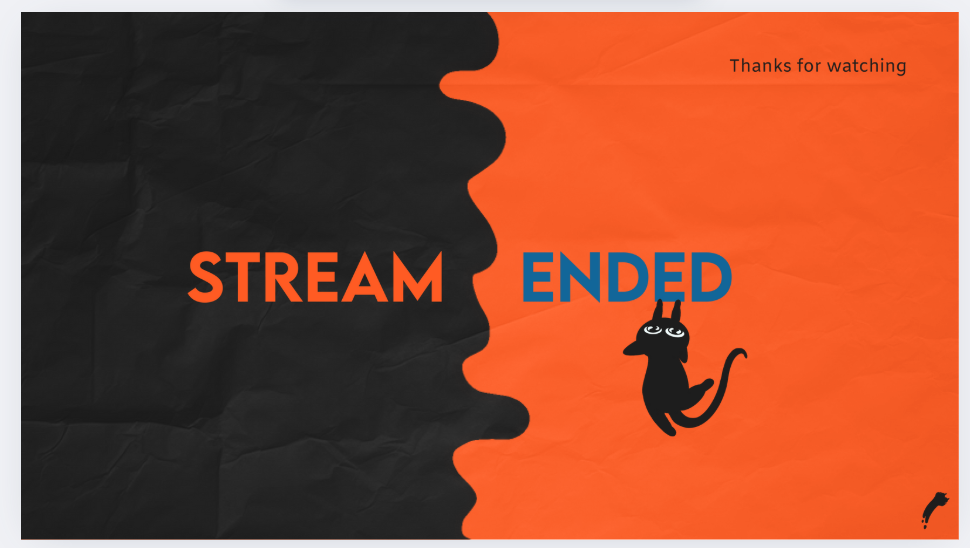
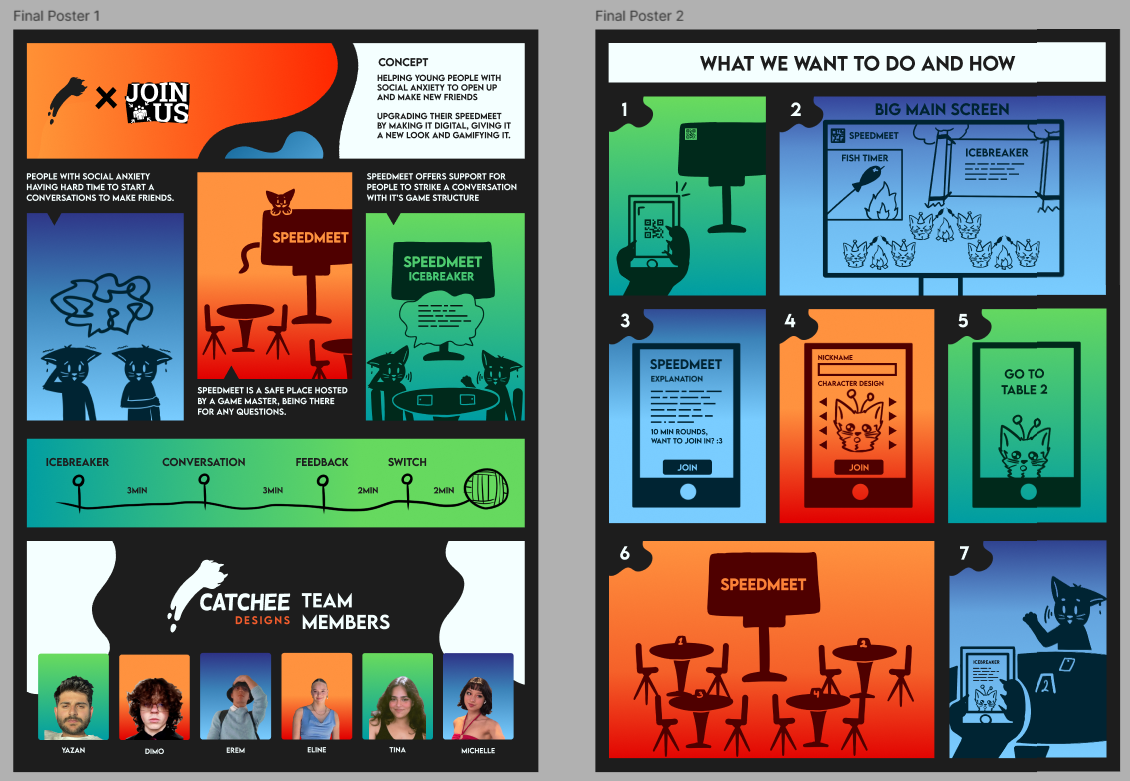
As you can see below, my illustrations got used a lot in the brandguide, the motivation letters and
posters. I made all the blobs and drips in these and all my cats have the same artstyle.
This is important to mention, because it showcases that my groupmates could easily use and find my
illustrations.
The brandguide:
Click here for the Brandguide pdf
The motivation letters:
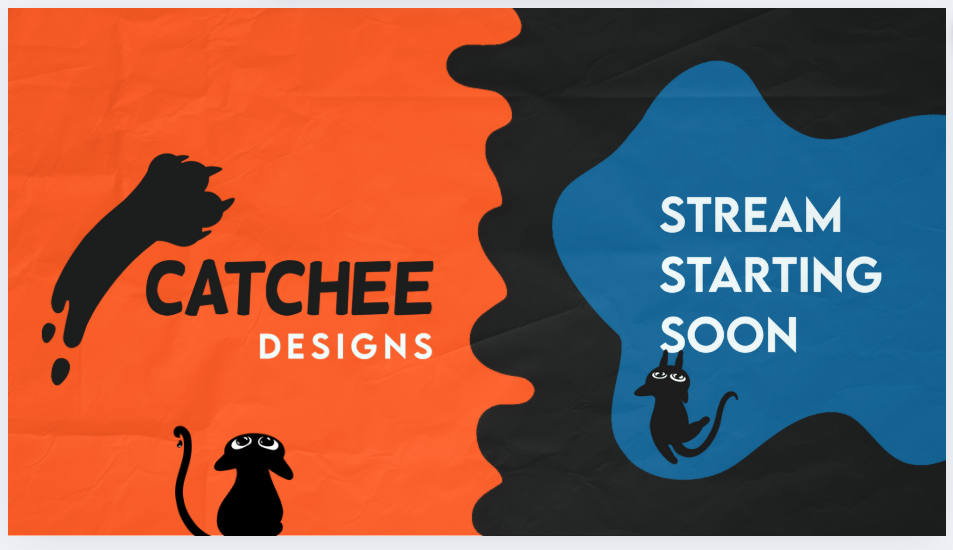
The final concept posters by Erem with my blobs (my cats are not in here):
STARR Reflection
Situation
The Catchee branding and promotional materials required consistent visual assets that could be reused by
multiple team members.
Task
My task was to create illustrations that were easy to reuse and recognizable across different
deliverables.
Action
I created all illustrations in a consistent art style and made them available through shared folders and
Figma assets
(DOT: Lab – Asset creation & standardization).
I ensured that the illustrations were clearly organized and reusable without additional explanation.
Result
My illustrations were used in the brand guide, motivation letters, and posters.
This confirmed that the assets were transferable and easy to apply, directly supporting LO2.
Reflection
This experience taught me that transferability is achieved through consistency and accessibility.
Next time, I want to add short usage notes or do’s and don’ts for assets, so stakeholders outside the
team can also use them correctly.
Documentation
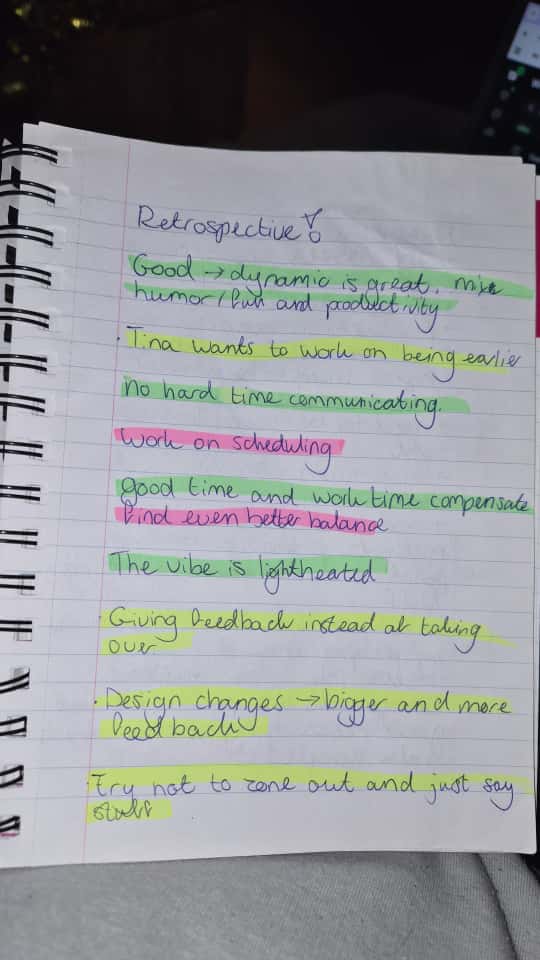
During the client meetings and retrospectives I take notes for the group and send everything to them, so
we always can look back on the feedback we got and things that had been said. For the longer client
meetings I
prefer to write notes down on paper so the client gets a better feeling that I'm actively engaging in
the conversation.
After writing down the notes, I convert them into a word document. This is because it's easier to read
for the group and we can reference to it much better.
First client meeting:
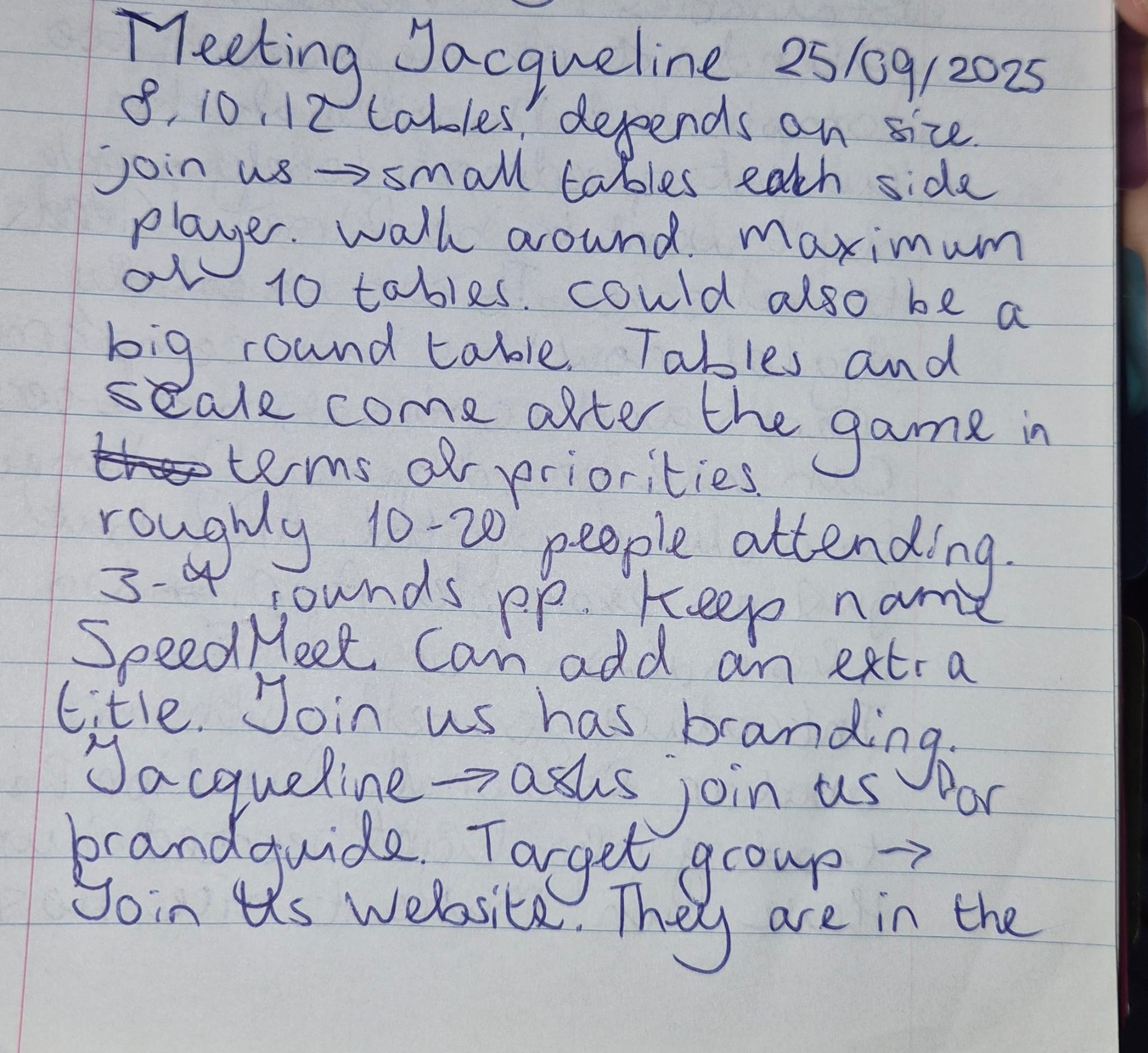
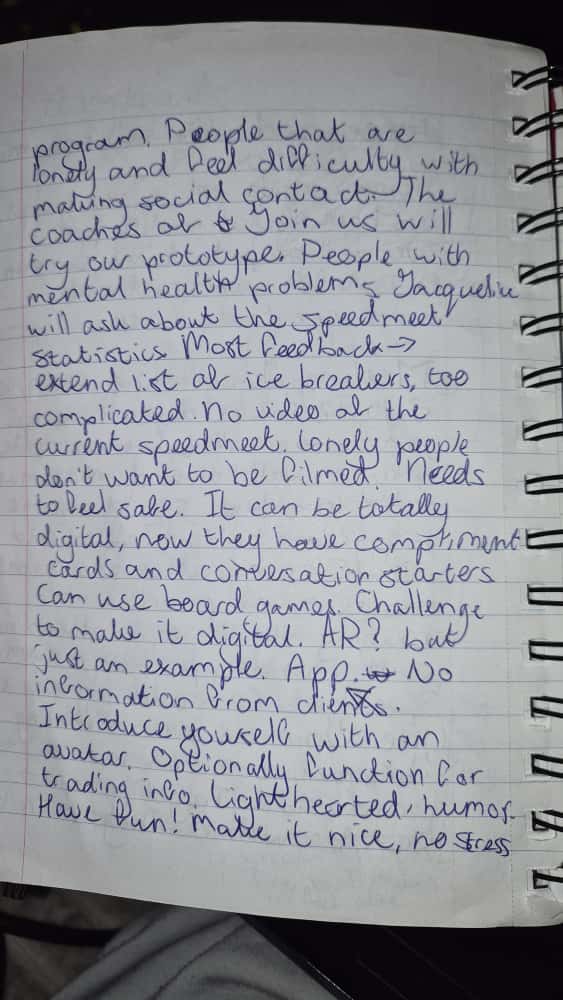
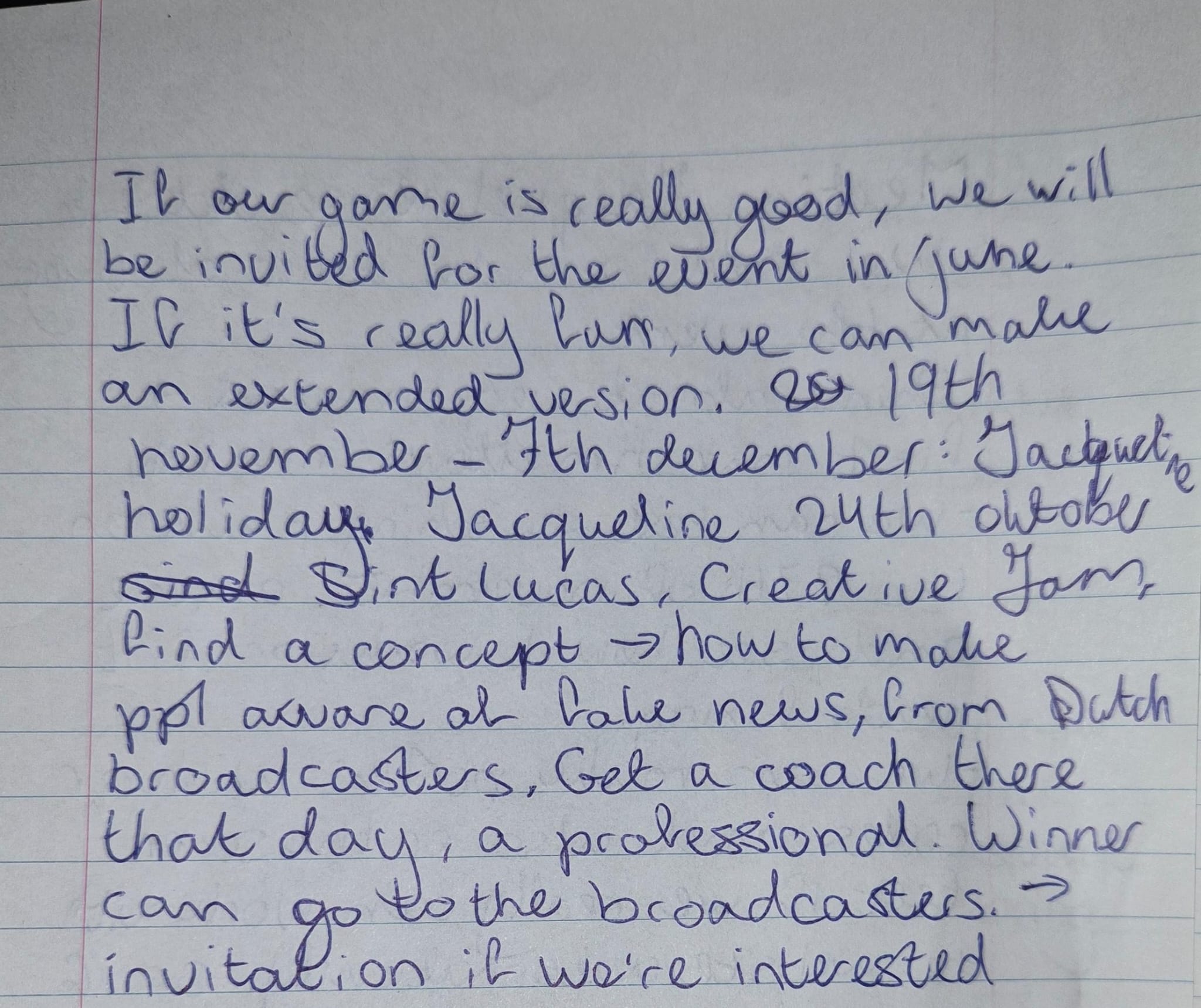
First retrospective:
Third client meeting:
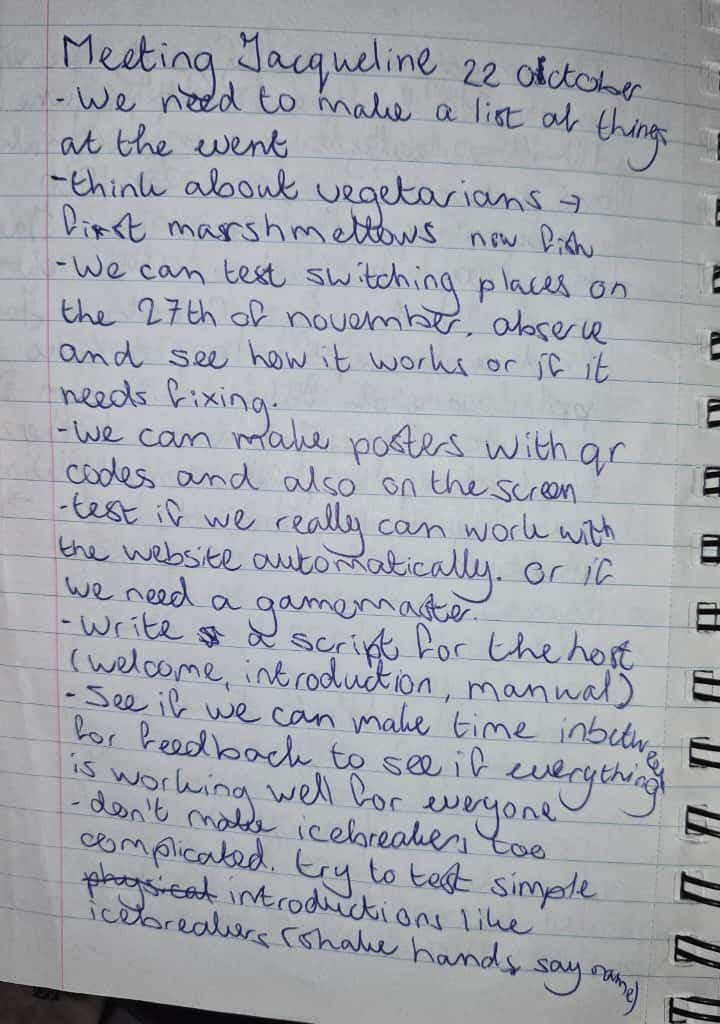
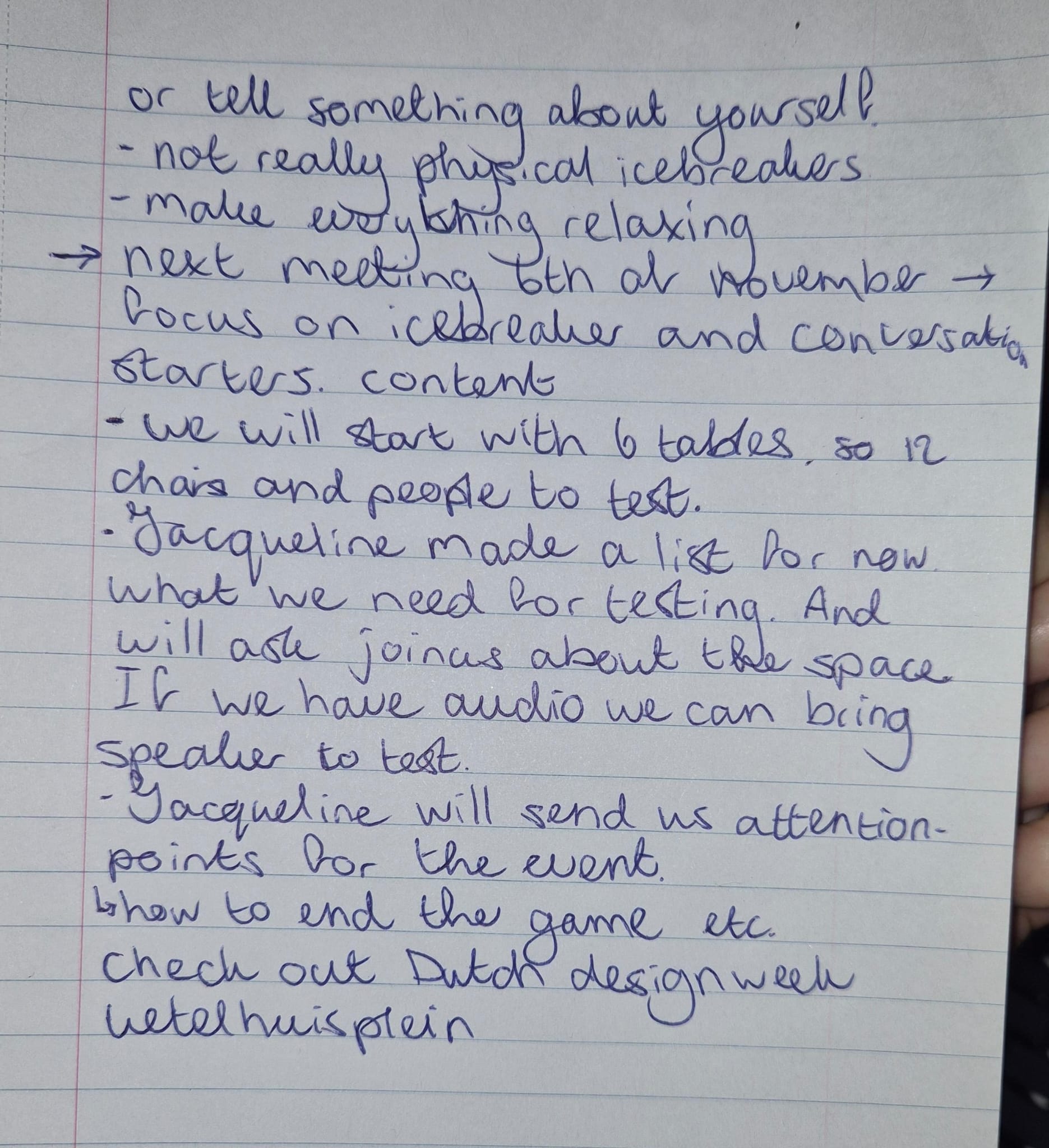
Fifth client meeting:
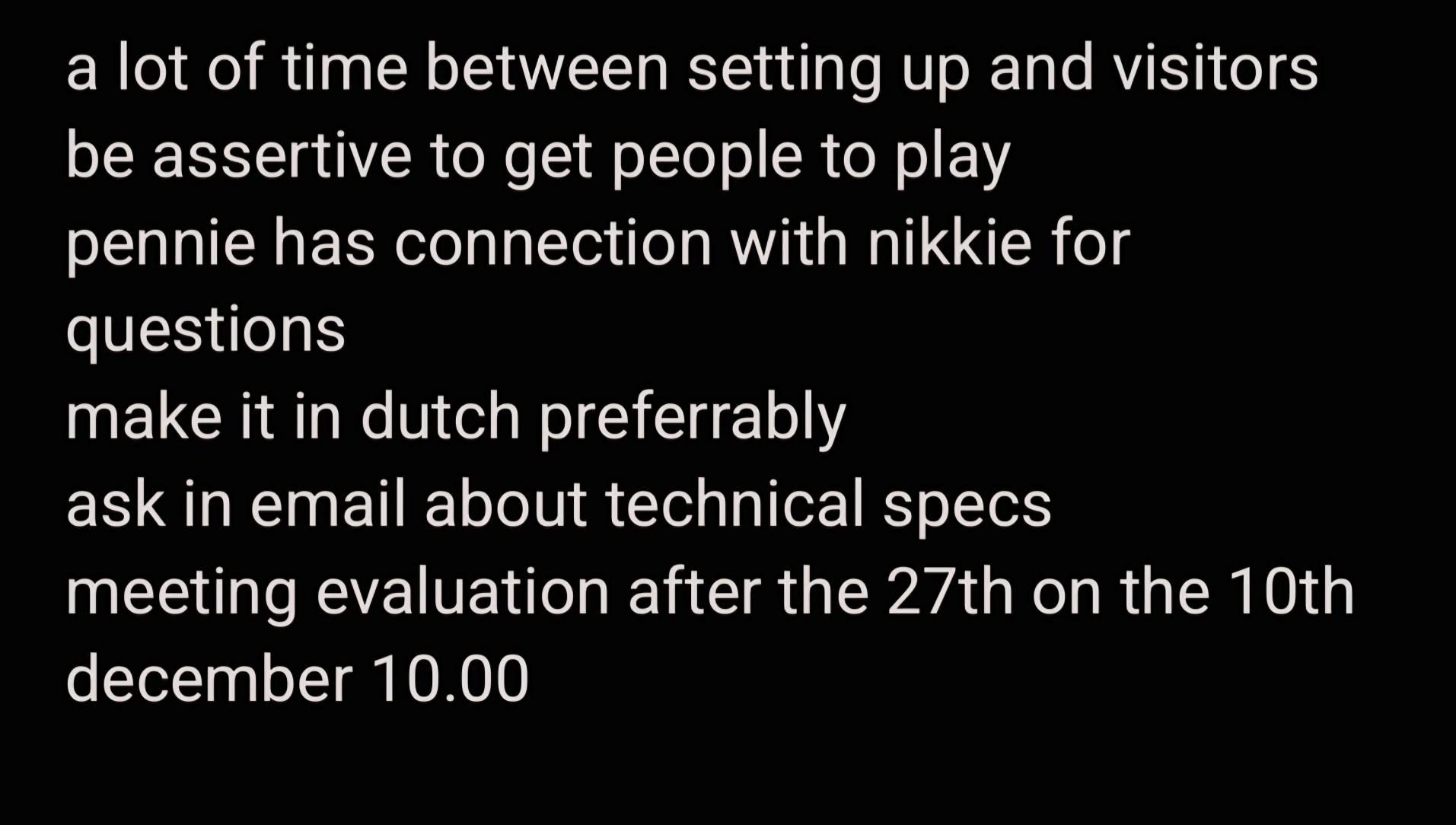
If there are no pictures of the notes from a certain client meeting, I was either leading the meeting or
sick.
During our client meetings we kept communicating our design choices and asked for feedback. An example
can be seen below:
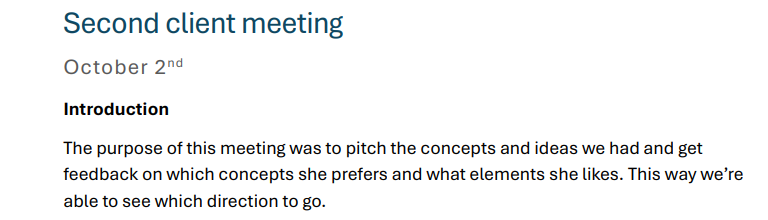
To read about all the meetings and decisions you can click the link below:
Click here for the pdf of the client
meetings
We also have a document of the retrospectives. You can find the document below:
Link to the retrospectives pdf
In the beginning of the Speedmeet project we all did a research and below you can find my research
question:
Link
to my research on games
We also made a folder in our OneDrive for all the deliverables:
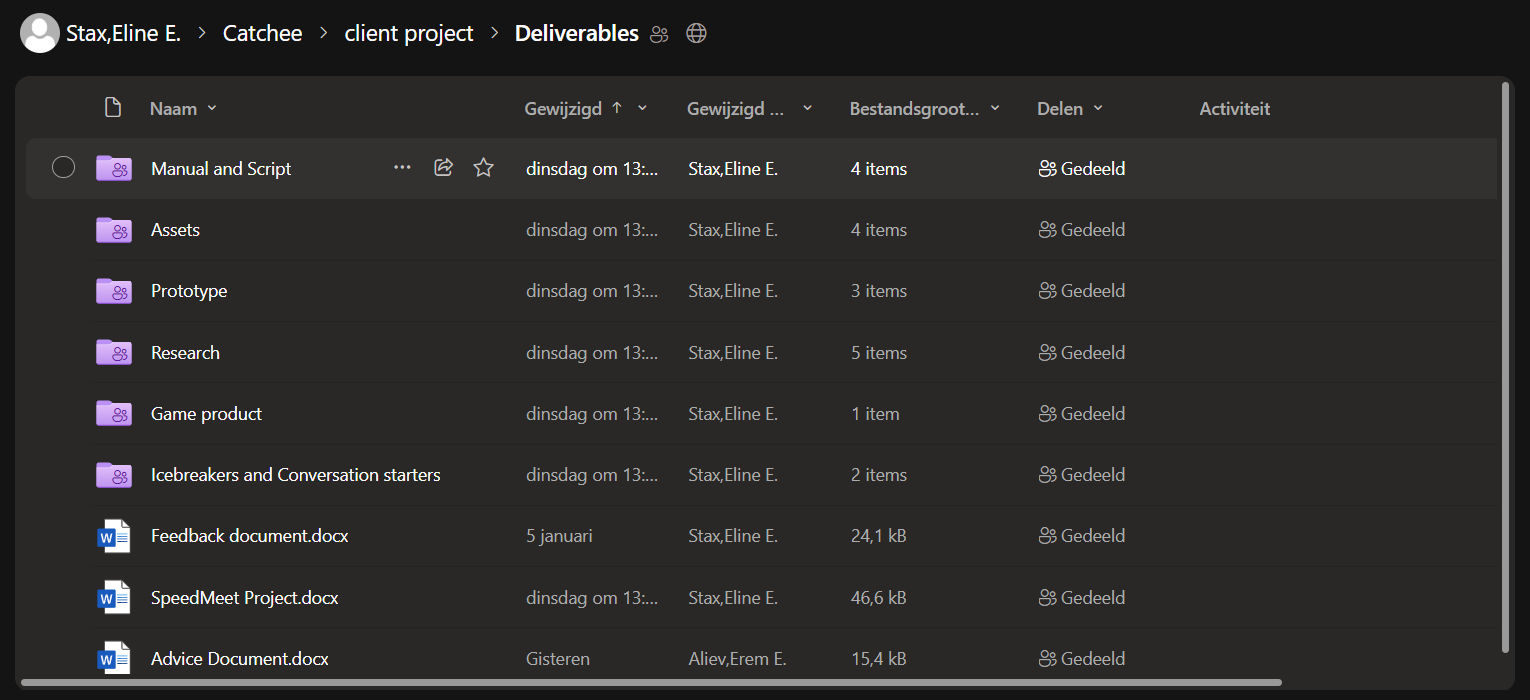
I also made the document for the wireframes usertest:
Link to the usertest
STARR Reflection
Situation
Throughout the project, we had multiple client meetings, retrospectives, and decision moments that
needed to be documented.
Task
My task was to document meetings clearly and share the outcomes with the team so decisions and feedback
could be revisited.
Action
I took handwritten notes during meetings to stay actively engaged, then converted them into structured
digital documents
(DOT: Field – Interview documentation, DOT: Showroom – Reporting).
I shared these documents through OneDrive and used them as reference points during the project.
Result
The documentation helped the team keep track of decisions, feedback, and next steps.
This improved communication with stakeholders and supported LO2 by creating professional, transferable
documentation.
Reflection
This showed me that clear documentation strengthens collaboration and decision-making.
Next time, I want to include short summaries and action points per meeting, so key outcomes are even
easier to scan.
Background and audio
The background and audio are also to be found in the OneDrive
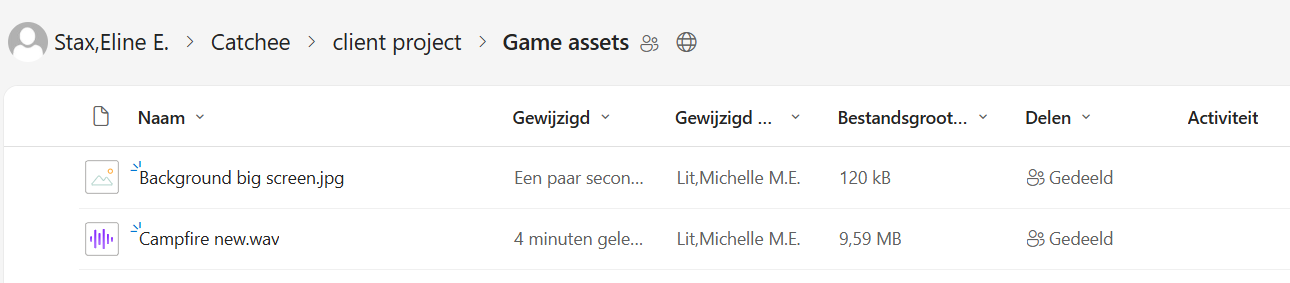
The background is used by me and the group in a lot of frames in the figma and in the prototype. The
audio was also played on the event of night of the nerds.
STARR Reflection
Situation
The Speedmeet prototype required shared visual and audio assets that could be reused across designs and
presentations.
Task
My task was to make sure these assets were accessible and usable for the entire team.
Action
I uploaded the background visuals and audio files to the shared OneDrive and ensured they were
consistently used in Figma and the prototype
(DOT: Lab – Asset preparation).
Result
The assets were reused in multiple frames and during the live event.
This demonstrates transferable production and supports LO2.
Reflection
I learned that even strong assets lose value if they are not shared properly.
Next time, I want to include version labels and usage contexts, so assets remain clear even later in the
project.
Gitlab
Portfolio git
I also made a new git project to keep track of my own website:
Click here for the git
In there you can also read my README.
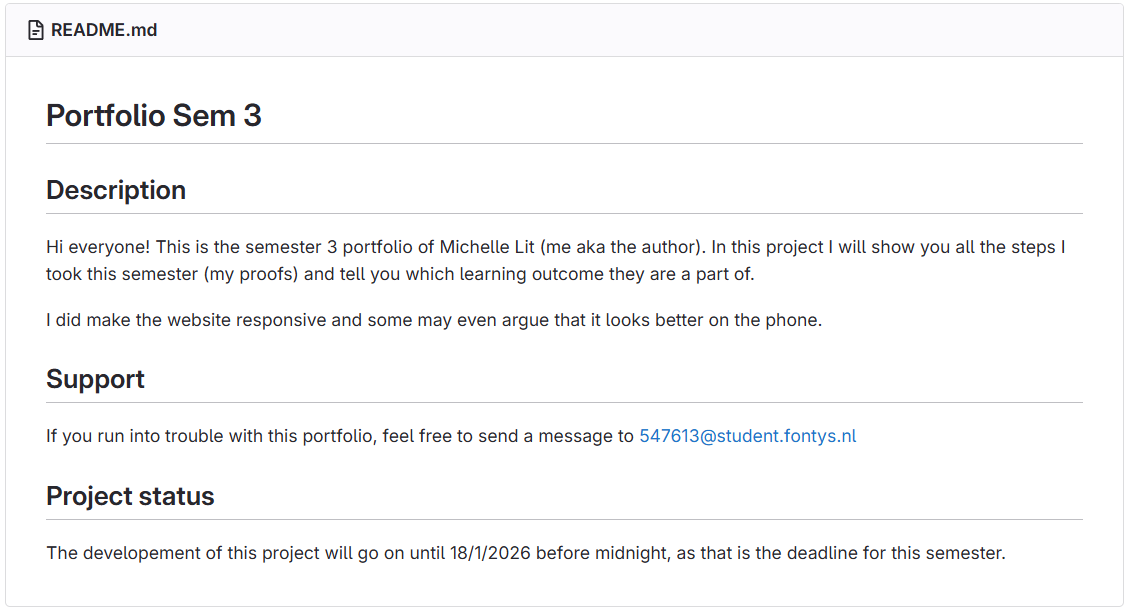
For my portfolio I had no problems with committing, pushing and pulling as I was the only one working on
it.
In the git for my portfolio you will find my html, css and javascript plus every image and file that I've
used in my portfolio.
Git is very important for version control as it can help you retrieve versions that were better and to
keep an external inventory in case your laptop breaks. It's also very helpful to be able to see what
kind of steps someone has taken during their coding process.
Speedmeet git
For the Speedmeet website we also used a git and you can find it here below:
Link to Speedmeet git
For the Speedmeet at first I was making the Icebreakers and conversation starters pages. I found that it
would be better to keep those two on the same page instead of seperate as the icebreaker still needed to
be displayed but the conversation starters would be on the phone screens.
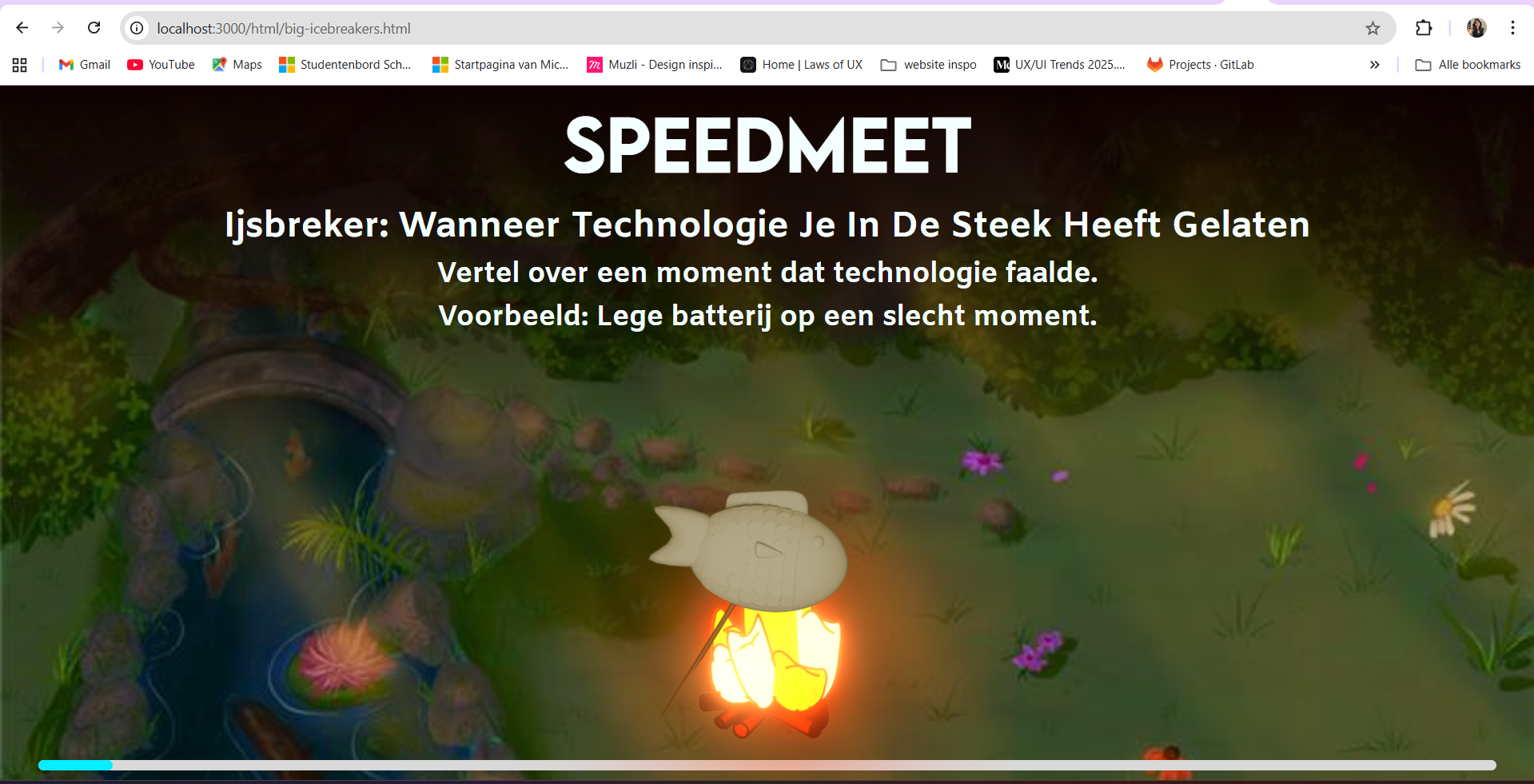
I managed to also make the timer run and make the fish turn darker to make it look like it's roasting.
Here you can see the timer running and the active icebreaker:
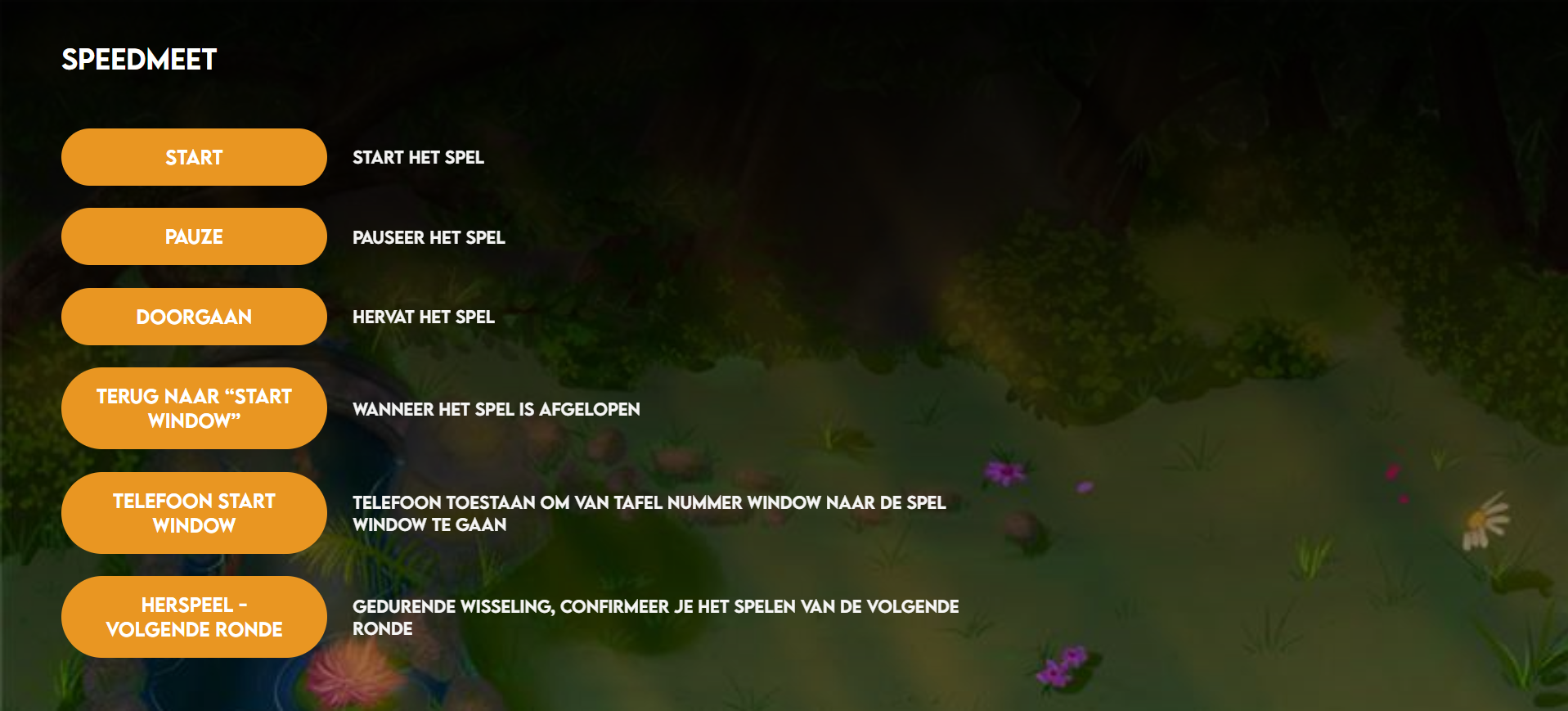
I also made it so with javascript and socket.io that you can run a server.js so you can use your laptop
as a localhost. For this you have to type node js/server.js in the git bash terminal and you'll get a
link to the introduction screen of the phone:

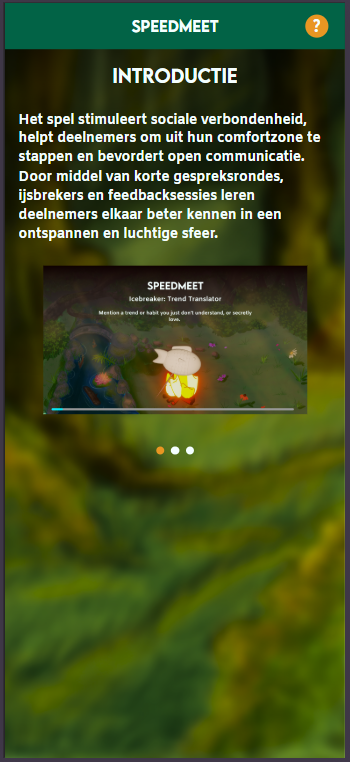
So with that, the server is running and when you press start on the admin view page you can start the
round with the timer and the icebreaker randomizer running.
So while fixing the javascript was something that I wanted to do most, I had to focus on fixing all the
html and CSS of the Speedmeet. Previously our code had become spaghetti when two groupmembers had merged
everything. So me and another groupmate had to pick up all the previous code and started working inside
one branch. We had to do this alone since the other groupmates gave up on coding after seeing the
spaghetti.
So I had to fix the CSS of the icebreakers, conversation starters and feedback pages from the
phonescreens. A lot of the time it was also just html selectors that were forgotton.
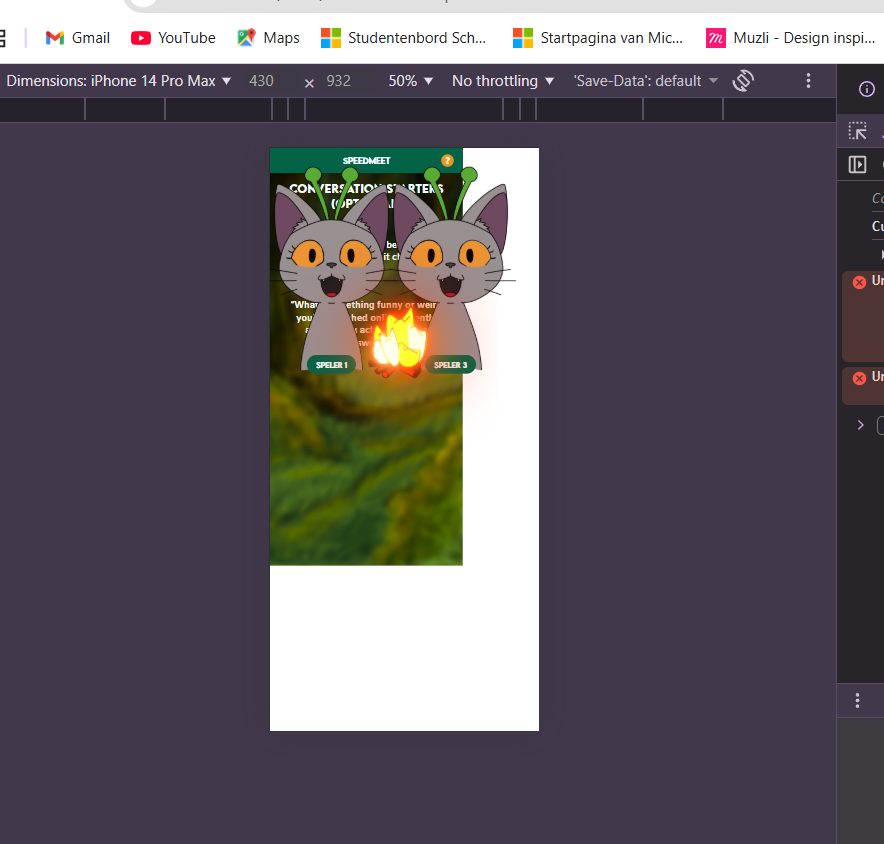
The way I started debugging was by pressing f12 and clicking on the selectors to see if the issue was
positioning, padding, margins or something else.
Here is the before from the conversation starters:
And here is the after of the convo starters:
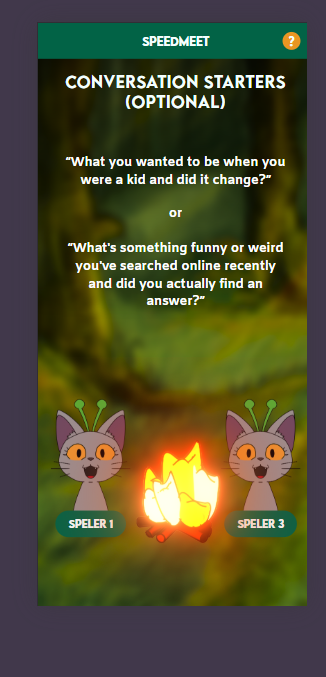
After this page was fixed, I only had to fix some selectors in the phone feedback and icebreaker pages.
So then I started working on fixing the big screen feedback and switch pages. I fixed this by making the
grid smaller en made the container for the fire smaller too and also added the fish timer. This is the
before:
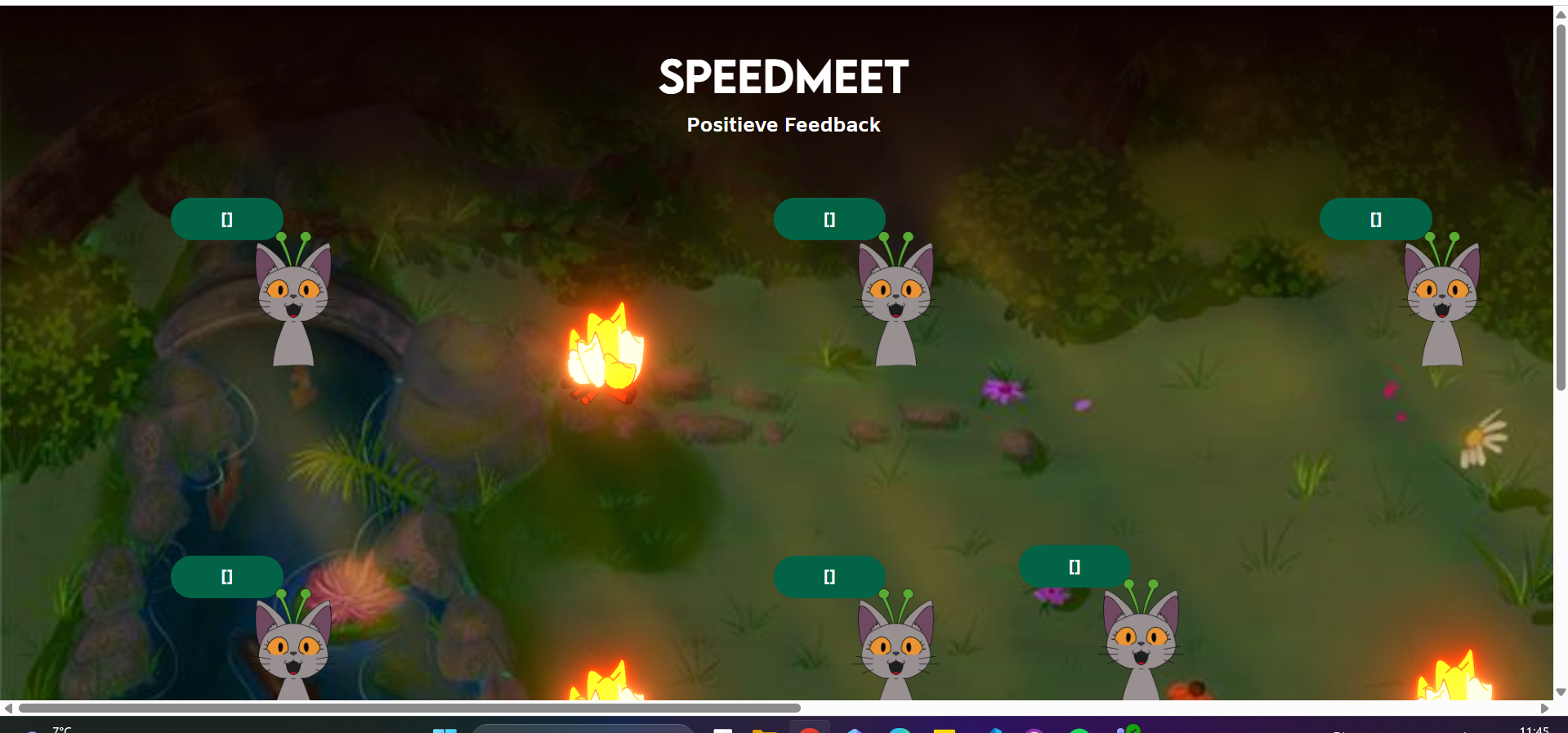
And this is after:
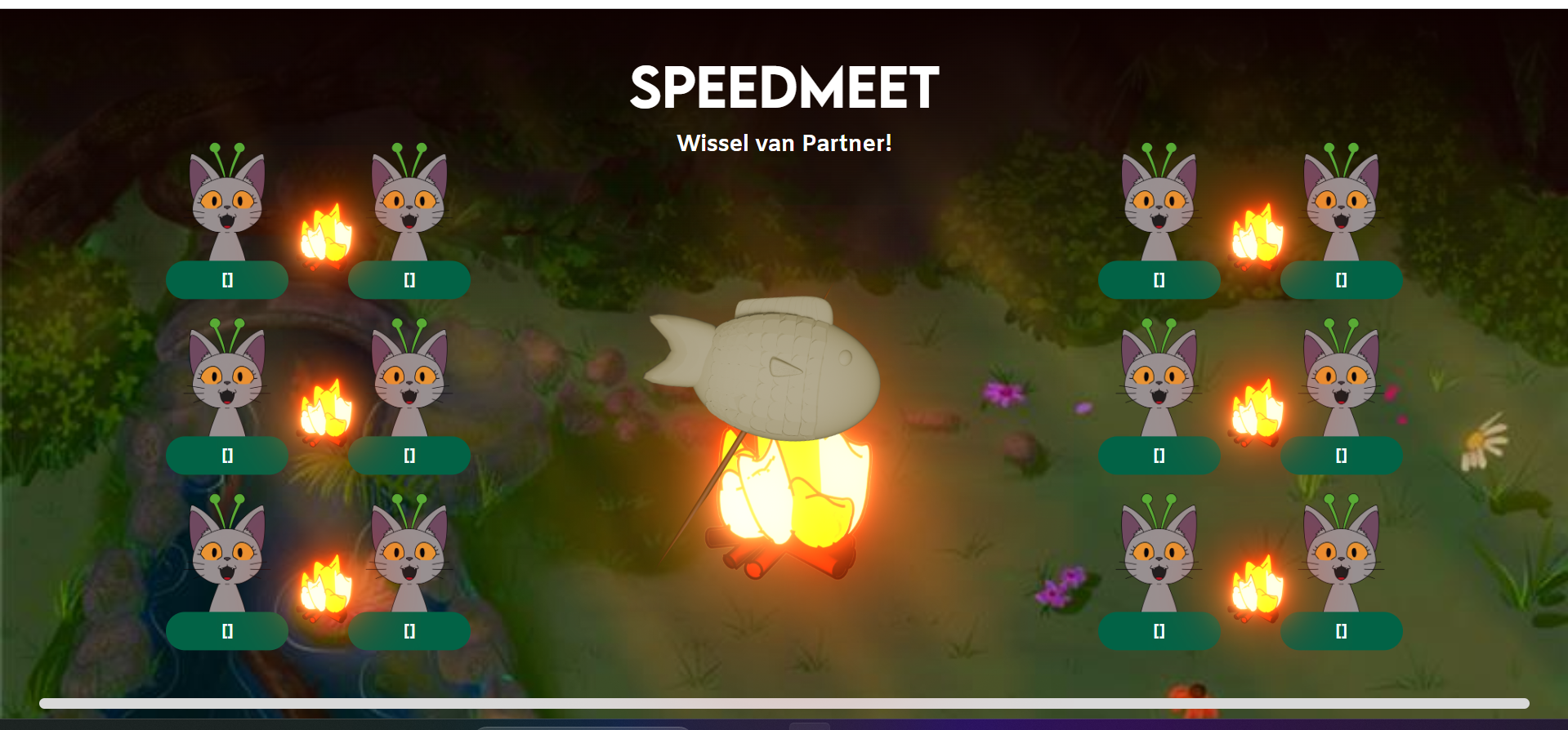
The selectors of those big screens were luckily the same so when one was fixed, so was the other.
BONUS: Here's a step in between where I was in hell (I had to take a screenshot when I saw it):
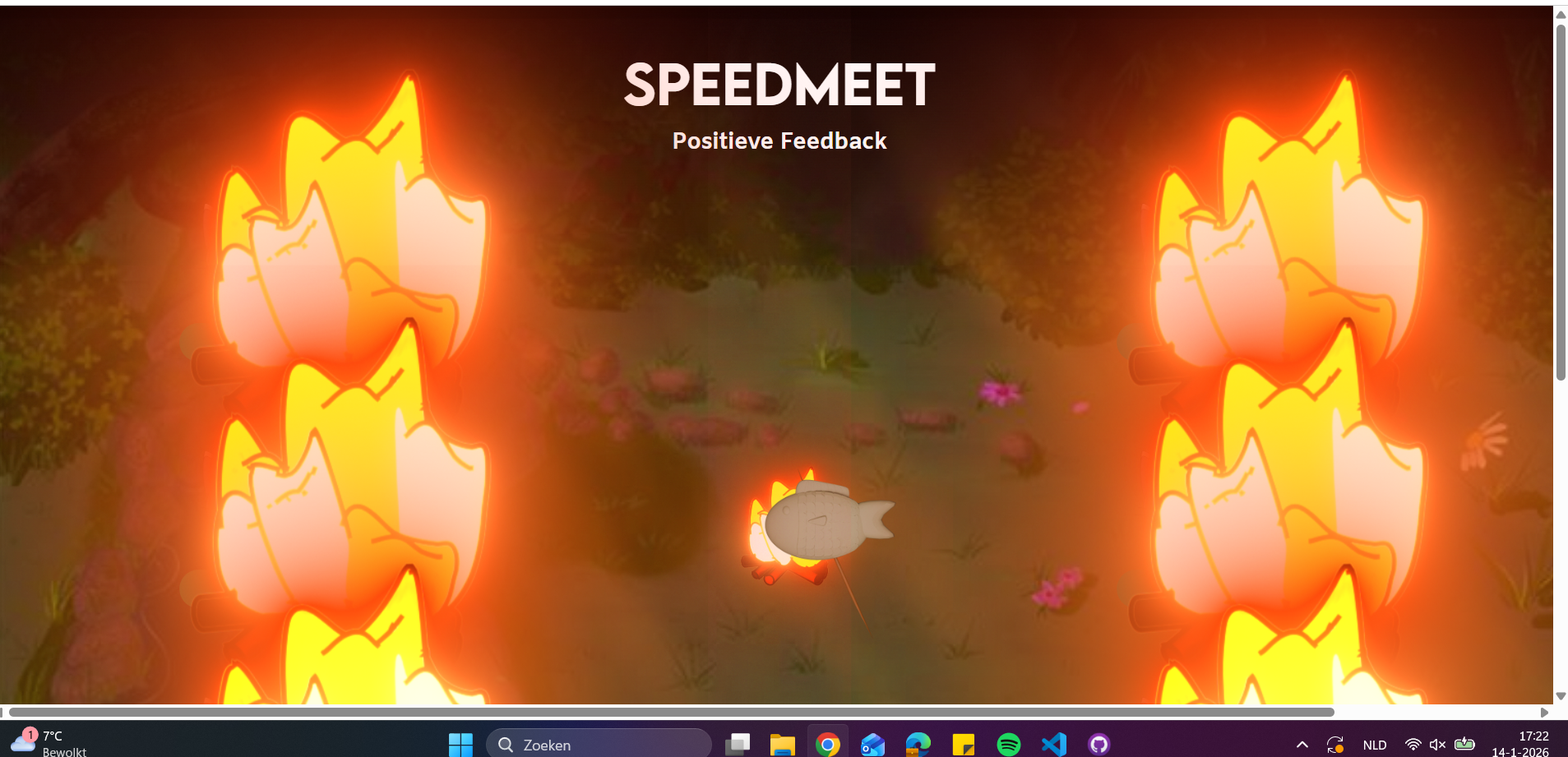
I truly did my best on making the code work, but it's a lot for 2 people and I already worked on it for
multiple sleepless nights before the showcase.
STARR Reflection
Situation
Both my portfolio and the Speedmeet project required version control to manage changes and prevent data
loss.
Task
My task was to use Git responsibly and help stabilize the Speedmeet codebase after merge issues.
Action
I used GitLab for version control, committing changes consistently and documenting progress in the
README
(DOT: Lab – Version control).
For Speedmeet, I debugged HTML, CSS, and JavaScript by inspecting elements and fixing selectors step by
step.
I also set up a local server using Node.js and Socket.io to run the game.
Result
The codebase became more stable and readable, and the prototype functioned correctly during the
showcase.
This supports LO2 by demonstrating transferable technical production and version control.
Reflection
This proof taught me how important structured version control and clear code ownership are in team
projects.
Next time, I want to enforce stricter branching rules and code reviews earlier to prevent merge chaos.
Project version control
Since we’re one groupmember less, we made a copy of all the files we have and branched off of them. So I
have both the old and new versions.
Here you can see the old and the new OneDrive:

Here you can see the old and the new Figma groups
By doing this, we can all still access the old documents and their versions, but continue to work
further with the rest of our group.
STARR Reflection
Situation
Due to changes in team composition, we needed to preserve previous work while continuing development.
Task
The task was to maintain access to earlier versions without blocking progress.
Action
We duplicated and reorganized OneDrive and Figma environments so both old and new versions remained
accessible
(DOT: Lab – Version management).
Result
This ensured continuity and reduced risk of data loss, supporting LO2.
Reflection
I learned that version control applies beyond code.
Next time, I want to align versioning across tools more clearly to avoid confusion.
Final presentation
During the final presentation our stakeholders were also there and they asked some questions about the
coding of the Speedmeet website.
They asked me about what the hardest parts were of the final product and I answered with "The javascript
was very hard to fix after merging and there was a lot of the html and css that also needed fixing."
The second thing they asked me about was how the game is run right now and for that one I answered with
"Right now the game is run on my laptop with the laptop itself as the local host. This is done with
socket.io and node.js so you can use the IP-address of the laptop to connect to the game if you're on
the same network." I also gave the advice to use an external server to host the website on so you'll
also be able to play online or without the need of wifi for the phones.
STARR Reflection
Situation
During the final presentation, stakeholders asked technical questions about the Speedmeet prototype.
Task
My task was to clearly explain technical decisions and limitations.
Action
I explained challenges in the codebase and described how the prototype was currently hosted using
Node.js and Socket.io
(DOT: Showroom – Presentation).
I also gave recommendations for future improvements, such as external hosting.
Result
Stakeholders gained a clearer understanding of the product and its future potential.
This supports LO2 by demonstrating professional communication of technical decisions.
Reflection
This showed me that explaining technical work in an understandable way is just as important as building
it.
Next time, I want to prepare a short technical overview slide to support my explanations visually.